Voting Opens 10.00am on Monday 2 March
Prior to voting we would recommend that you have read through the candidates manifestos or/and viewed our 200 words election booklet by clicking here. When voting is opens you will be able to vote:-
- Visiting our Polling stations with your student ID card either in Gees (Students' Union) or the Library between 10.00am - 5.00pm from Monday 2 March to Thursday 5 March and then on Friday between 9.00am and midday when voting closes. vote on your personal
- On your own electronic devices between between 11.00am to 1.00pm and 5.00pm to 7.00pm from Monday 2 March to Thursday 5 March at www.leicesterunion.com/elections
To view a video about the voting system itself (STV) click here.
Guide To Voting on your Personal Electronic Devices
The Election will only be displayed during the periods when students are able to vote on their own devices (11.00am to 1.00pm and 5.00pm to 7.00pm). If students do access the platform outside of these periods when they click on vote now they will automatically be redirected to a page that reminds of relevant timings.
- Log into the Leicester Students’ Union website as a student and go to www.leicesterunion.com/vote
- To start voting click the green 'Vote Now' button.
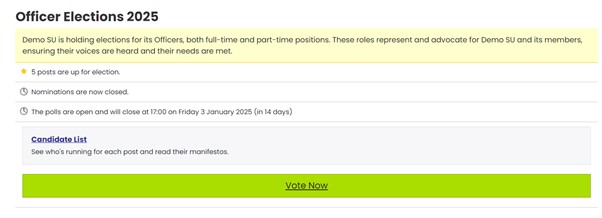
- In the Eligibility section, select or deselect the self-define options as appropriate, please note that you are required to self-define within the relevant group to vote for the Liberation and International Officer Part-Time Officer roles.
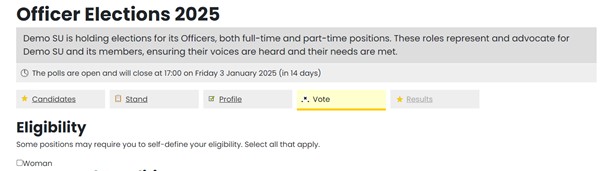
- Click Update Self-Defined Status
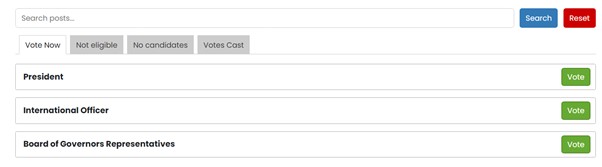
- The Vote window is displayed, showing the roles you are eligible to vote for. Either Click Start/Continue Voting, or click on the vote button next to the role you wish to vote for first.
- The ballot is displayed, select the candidate(s) in order of preference.
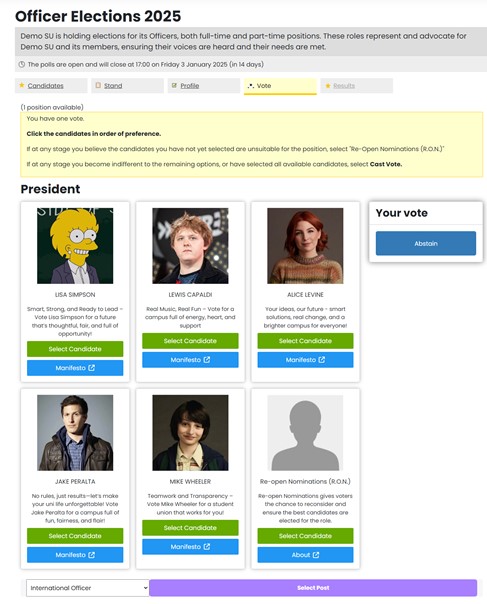
- The selected candidate(s) are listed in the Your Vote section, to change the order, deselect the candidate(s), then select the candidate(s) again in order of preference.
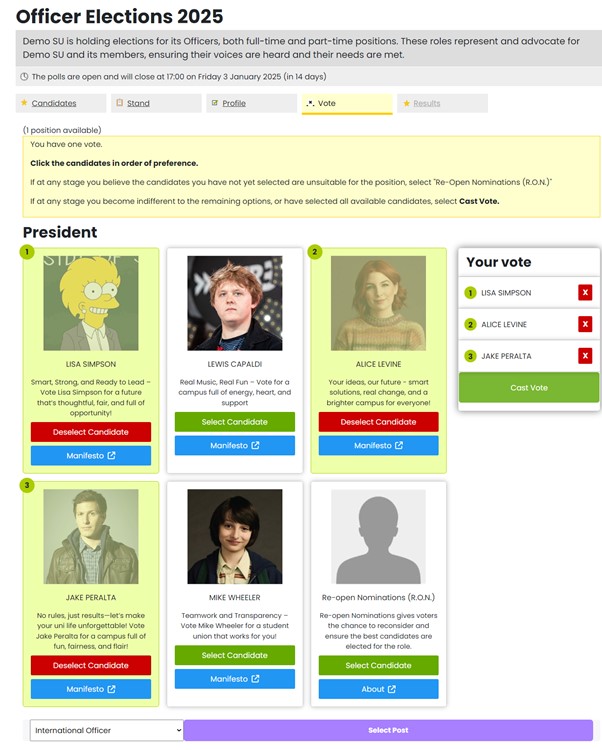
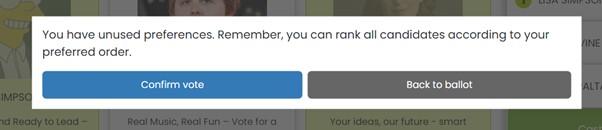
- Click Cast Vote. A confirmation dialog is displayed, either explaining that you have unused preferences, click Confirm Vote to submit your vote, or click Back to Ballot to update your selection.
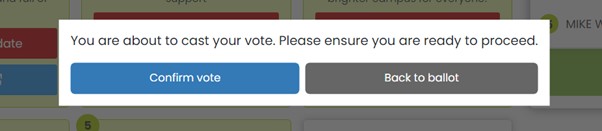
If you have selected all available non-RON candidates, asking if you are ready to proceed, click Confirm Vote to submit your vote, or click Back to Ballot to update your selection.
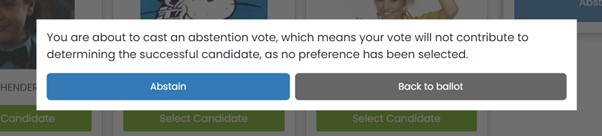
- To Cast an Abstention Vote - Click Abstain. A confirmation dialog is displayed asking you to confirm your abstention.
- The next post you’re eligible to vote for is displayed or you can select another post by clicking on the vote next to the relevant post. Repeat the steps above until you have voted for all posts you wish to vote for. If at any stage you wish to stop voting then simply leave the voting site, you can if you wish vote for some or all of the remaining positions later during the polling period.
- You will receive an email for each vote cast, we will giving thank-you gifts each day during voting – just head to the SU-Square each day between 10.00am and 4.00pm (9.00am to midday on Friday) and show a copy of one of the emails.
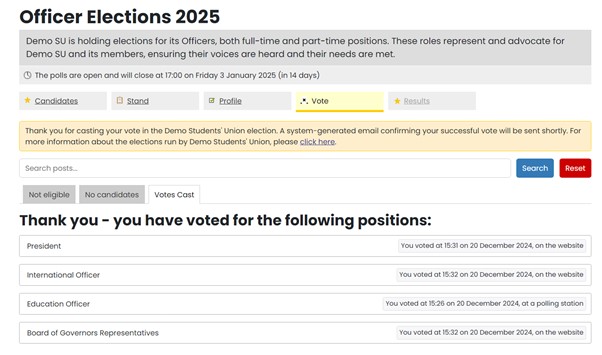
- The Votes Cast tab is displayed, showing the details of all posts you've voted for, along with the date, time, and method of each vote.
If you are experiencing any issues voting, first ensure you are logged into the Students' Union website as a student, if you are still having issues after this, please email su-elections@leicester.ac.uk.